Explore the reference Commodity
Different oil grades and reference contracts can have different prices. Start with the exact symbol and underlying benchmark.
Explore the detail
COMMODITIES WITH XENDORE
Explore the forces moving Energy and Commodity prices. Connect supply, demand and contract mechanics before deciding how to approach the Market.
Commodity prices connect production, consumption, inventories and expectations. Commodity CFDs follow a reference price, and their terms can matter as much as the underlying Market story.
UNDERSTAND THE PRODUCT BEFORE THE POSITION
A Commodity CFD provides exposure to changes in a reference Market price without purchasing or storing the physical material. Available contracts may use spot-style or futures-based pricing.
For Energy Markets, inventories, production decisions and demand expectations can influence prices. Futures-linked contracts also involve delivery-month differences, expiry and rollover mechanics that need careful review.

A CONSIDERED APPROACH TO COMMODITIES
Bring the Market drivers, contract conditions and your exposure into focus.
Different oil grades and reference contracts can have different prices. Start with the exact symbol and underlying benchmark.
Explore the detailReview Spread, Commission, funding and potential rollover adjustments. A change of reference month can affect the contract.
Explore the detail
Production decisions, inventories and transport constraints can change expectations. Use current, reliable Market information.
Explore the detailEconomic activity, weather and seasonal consumption can affect Energy Markets. Their impact varies across Commodities.
Explore the detail
Futures-linked contracts may expire or roll to another reference month. Check the schedule and treatment of open positions.
Explore the detailSupply disruptions and news can create sharp moves or gaps. Review position size, Margin and execution limitations.
Explore the detail
Compare the Account, the contract and the Workspace before your next step.
YOUR WORKSPACE, YOUR WAY
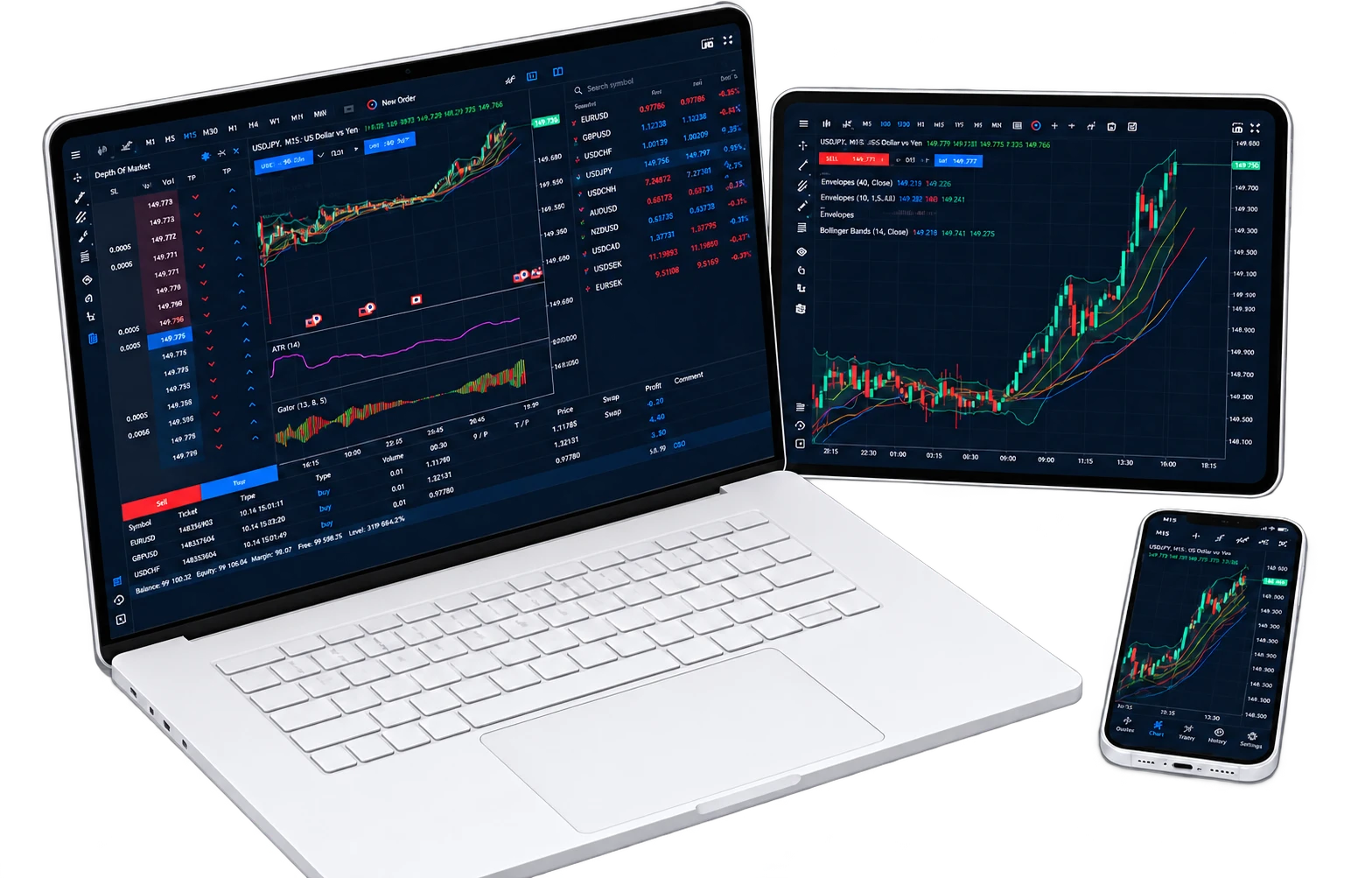
Explore Desktop, web and Mobile workflows. Learn the version you use and confirm the Features available for your Account.
INSTRUMENTS & CONDITIONS
These examples explain Market categories. Confirm available Instruments and current conditions for your Account before Trading.
| Market category | Examples to explore | What to understand | Conditions to review |
|---|---|---|---|
| Crude oil references | Brent / WTI benchmark concepts | Different grades, locations and reference contracts. | Confirm available symbols and expiry terms. |
| Natural gas references | Contract-specific regional benchmarks | Weather, inventories and regional supply conditions. | Review volatility, sessions and Margin. |
| Other Commodity Markets | Subject to available Instruments | Supply chains and seasonality vary by product. | Check availability and contract specifications. |
Commodity contracts may have daily breaks, holiday schedules and expiry dates. Check the exact symbol rather than assuming all Energy Markets Share the same hours.
YOUR XENDORE JOURNEY
YOUR NEXT STEP
CHOOSE YOUR STARTING POINT
A Commodity CFD is derivative price exposure. It does not mean you are purchasing or arranging storage of barrels, gas or other physical goods.
No. They are distinct crude oil benchmarks with different characteristics. Check the benchmark referenced by the CFD you select.
A futures-linked contract may move from one reference month to another under defined rules. Pricing differences and adjustments can affect the position.
Yes. Weather can influence production, transport or demand, but its effect depends on the Commodity, location and existing Market expectations.
Confirm the current symbol list for your Account. Educational examples on this page do not guarantee that a particular contract is available.
Review funding, session breaks, Margin, expiry and rollover notices, together with the risks of gaps and sudden Market moves.
YOUR PERSPECTIVE. YOUR NEXT CHAPTER.
Bring your Market interests, Account needs and preferred Tools together.
Find your starting point with Xendore.