Explore a benchmark’s constituents
Read the constituent and weighting methodology. A broad company count can still conceal concentration in a few large names.
Explore the detail
INDICES WITH XENDORE
Explore how groups of companies shape a Market benchmark. Understand the Index, its composition and the CFD conditions before choosing your exposure.
An Index summarises a defined set of constituents using a particular methodology. Its performance depends on composition and weighting; an Index CFD adds its own contract conditions to that exposure.
UNDERSTAND THE PRODUCT BEFORE THE POSITION
A Stock Index tracks a selected basket of companies. The basket may represent a region, exchange, sector or Investment theme, and its calculation rules determine how individual companies influence the headline value.
An Index CFD provides exposure to a reference Index price without ownership of the constituent Shares. Check whether the contract uses a cash or futures reference, and understand funding, expiry and adjustment rules.

A CONSIDERED APPROACH TO INDICES
Bring the Market drivers, contract conditions and your exposure into focus.
Read the constituent and weighting methodology. A broad company count can still conceal concentration in a few large names.
Explore the detailCash and futures-based contracts can have different funding and adjustment mechanics. Compare the full conditions.
Explore the detail
Underlying exchanges, economic releases and holidays shape activity. Confirm your CFD’s Trading session separately.
Explore the detailBuying and selling express different views on the benchmark. Both can result in losses when the Market moves against you.
Explore the detail
Constituent changes, company earnings and sector shifts can influence Index performance in different ways.
Explore the detailDifferent Indices may Share companies or sectors. Check combined exposure rather than treating every benchmark as independent.
Explore the detail
Compare the Account, the contract and the Workspace before your next step.
YOUR WORKSPACE, YOUR WAY
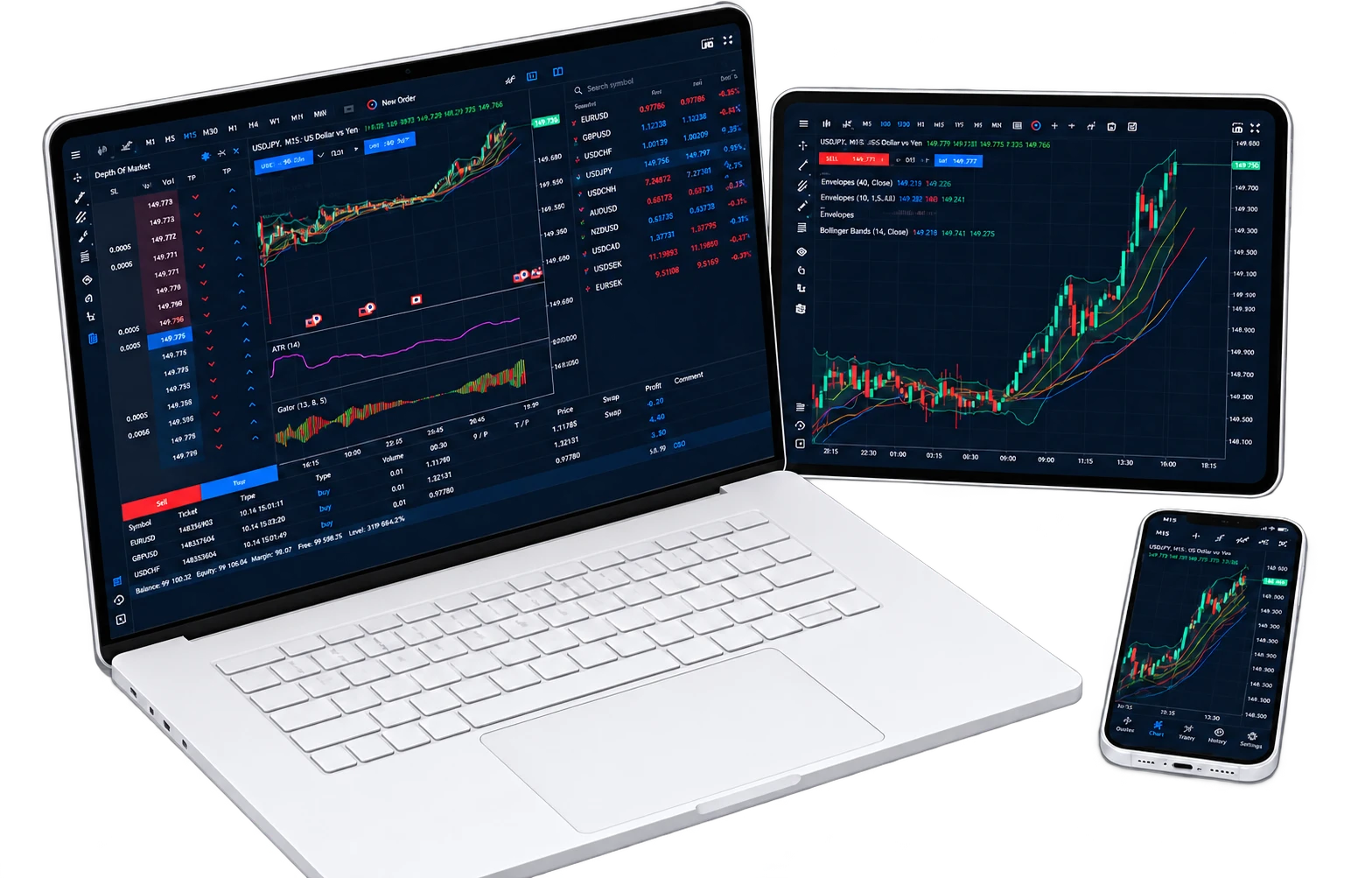
Explore Desktop, web and Mobile workflows. Learn the version you use and confirm the Features available for your Account.
INSTRUMENTS & CONDITIONS
These examples explain Market categories. Confirm available Instruments and current conditions for your Account before Trading.
| Market category | Examples to explore | What to understand | Conditions to review |
|---|---|---|---|
| Broad-Market benchmarks | Large-company or wider Market baskets | Regional exposure and constituent concentration. | Check available Index CFD symbols. |
| Sector-focused benchmarks | Technology or other industry baskets | A narrower sector can create concentrated exposure. | Review Margin, Spread and funding. |
| Cash / futures references | Contract-specific reference pricing | Expiry, basis and adjustment mechanics can differ. | Confirm contract specification and rollover rules. |
An Index CFD’s hours may differ from the underlying exchange session. Review holidays, daily breaks and any contract expiry or rollover schedule.
YOUR XENDORE JOURNEY
YOUR NEXT STEP
CHOOSE YOUR STARTING POINT
No. An Index CFD gives derivative price exposure and does not transfer ownership of the constituent Shares.
They track different baskets and use different weighting rules. Geography, sector concentration and individual companies can all affect performance.
The reference price and contract mechanics differ. Funding, basis, expiry and adjustments depend on the actual contract specification.
No. Some benchmarks are concentrated in a sector or a small number of heavily weighted companies. Review the methodology and combined Account exposure.
Some contracts have expiry or rollover mechanics; others use a rolling cash reference. Check the selected Instrument before opening a position.
Check composition, Trading hours, contract size, costs, Margin and any expiry or adjustment rules.
YOUR PERSPECTIVE. YOUR NEXT CHAPTER.
Bring your Market interests, Account needs and preferred Tools together.
Find your starting point with Xendore.